
You sign in to UnitConnect with your username (your email address) and password. If you forget your password, you can reset it yourself with a code sent to your email.
Sign in
- Go to the UnitConnect sign-in page.
- Enter your Username and Password. To check what you typed, click the eye icon in the password field.
- Click Sign in.
UnitConnect opens the page you were trying to reach, or your Home dashboard.
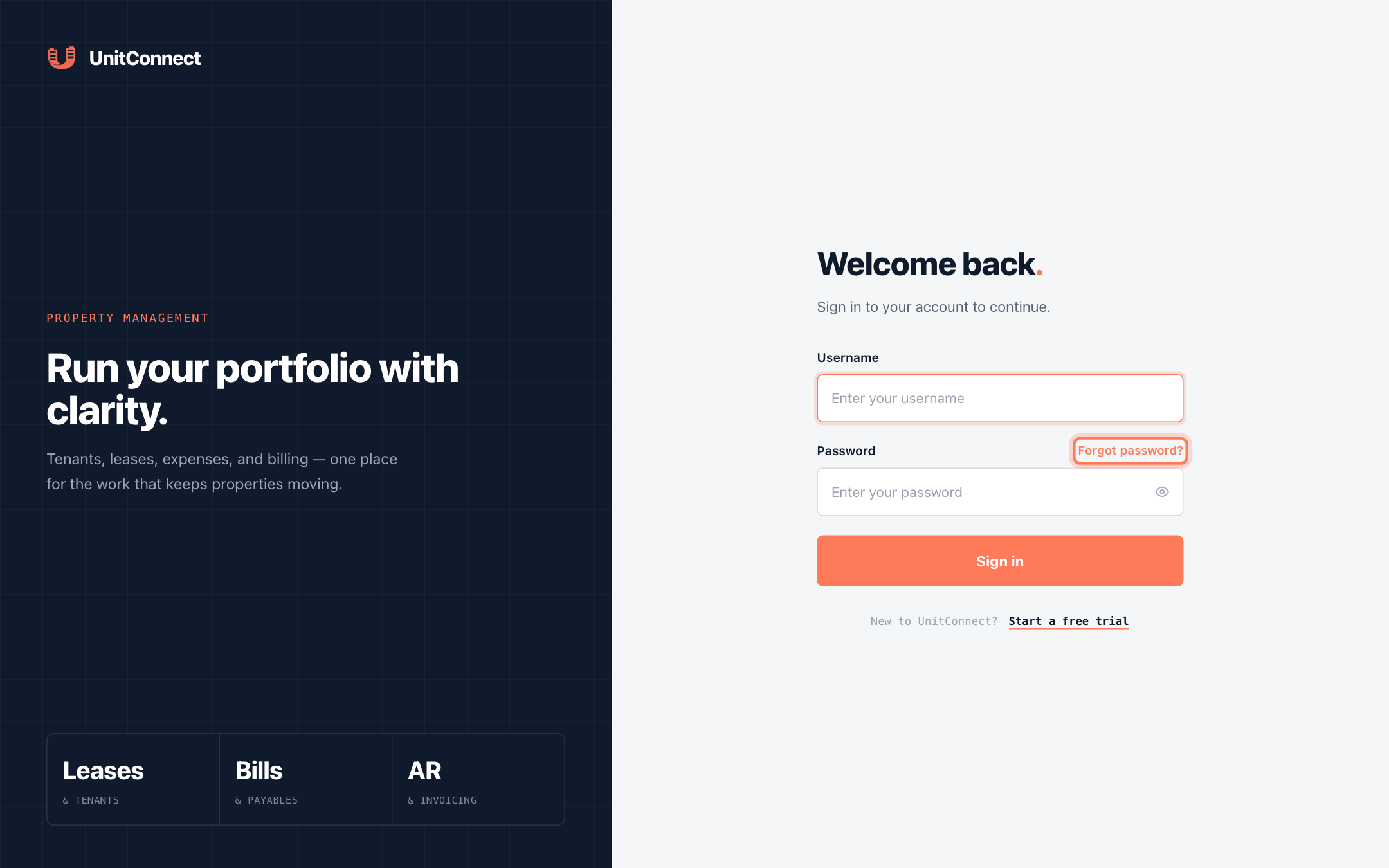
If you see Invalid username or password, check the spelling of your username and that Caps Lock is off. Passwords are case sensitive.
An administrator can lock or deactivate your account. If your details are correct and you still can't sign in, ask your UnitConnect administrator to check your account in Admin > Users. See Manage users.
Reset a forgotten password
On the sign-in page, click Forgot password?.
Enter your login Email and click Send reset code.
UnitConnect shows If an account exists for that email, a reset code is on its way. For privacy, the message is the same whether or not the email has an account.
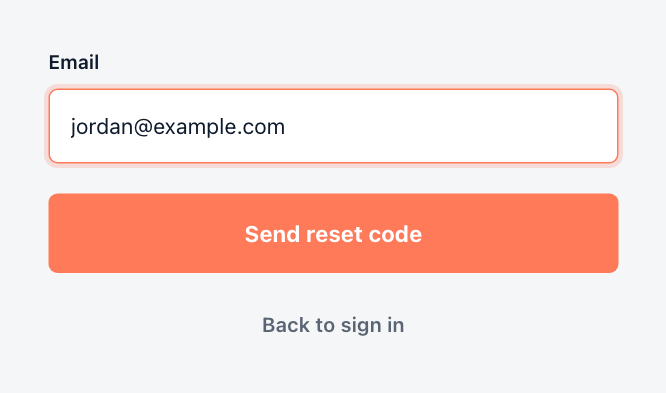
Request a reset code Open the email from UnitConnect and copy the 6-digit code.
Back in UnitConnect, enter the code in Reset code.
Enter your New password and type it again in Confirm password. The password must be at least 8 characters and include at least one letter and one number.
Click Update password.
When you see Password updated. Sign in with your new password., click Back to sign in and sign in with the new password.
If the code doesn't arrive, check your spam folder, then click Resend code. If the code has expired you'll see Invalid or expired reset code — request a new one.
Verify your email address
If your email address hasn't been confirmed yet, a blue Verify your email bar appears at the top of the app. You can keep working, but it's best to confirm your address:
- In the bar, click Enter code (or Resend code if you need a new email).
- Enter the 6-digit code from the email in Verification code.
- Click Verify.
Sign out
Click your avatar in the top-right corner, then click Sign out. Sign out when you finish on a shared computer — UnitConnect also clears your list of recently opened records from that device.
Change your password while signed in
If you know your current password and just want to change it, use Settings > Sign-in instead. See Update your profile and password.