
Owners can comment on a published month, or on any expense, payment or statement in it. You're notified, and the conversation waits for you on the Comments list until it's resolved.
Note
Replying and resolving need the Publish to Owner Portal permission.
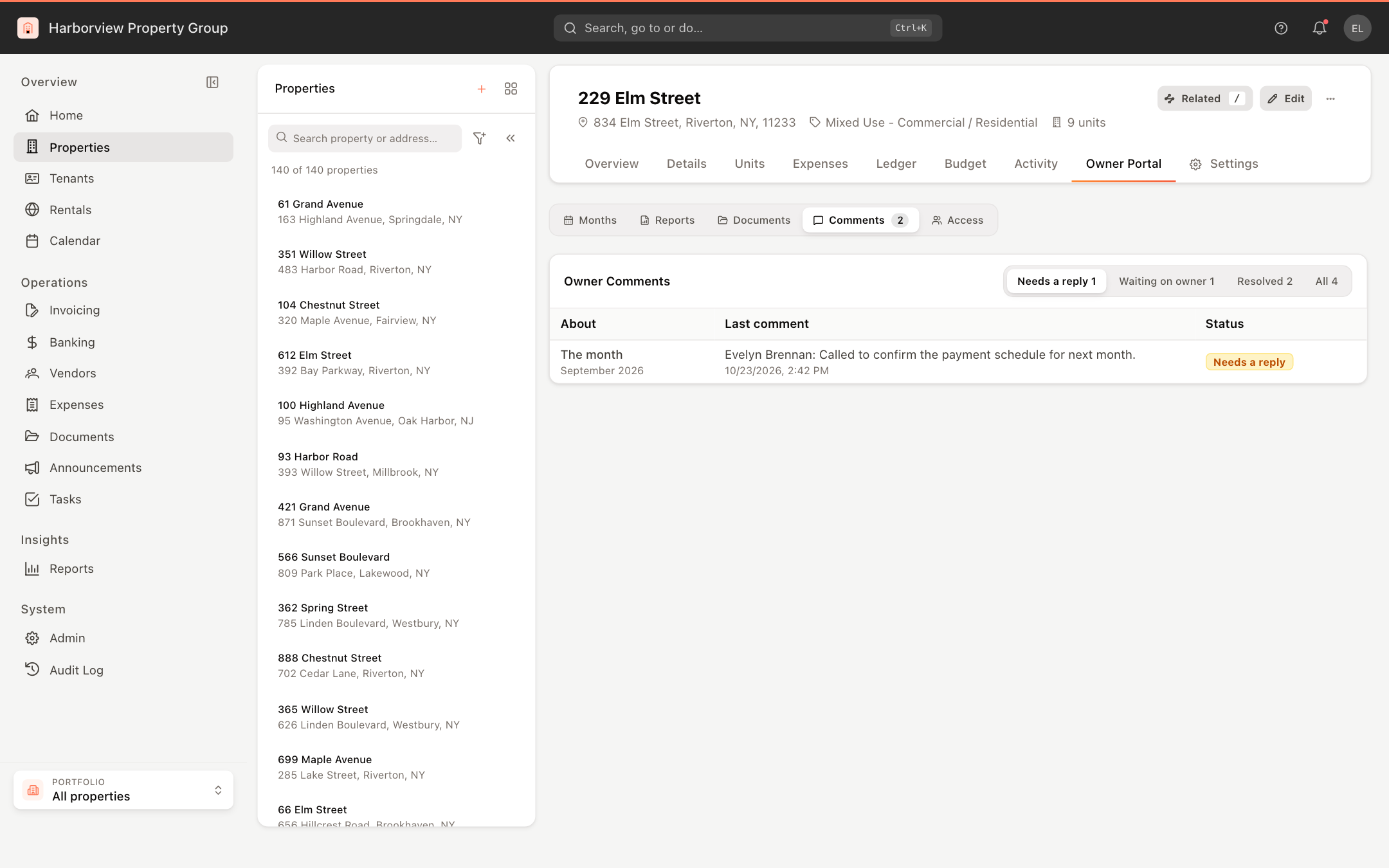
Find the comments
- One property: open it, click the Owner Portal tab, then Comments. The tab shows how many conversations are open.
- Every property: Admin > Owner portal > Comments, with a property filter, a search and dates.
The list is split into Needs a reply (an owner wrote last), Waiting on owner (you wrote last), Resolved and All. Changed since marks a conversation whose item has changed or gone since the owner asked.
Reply and resolve
- Click a conversation. It opens beside the list, with what the item looked like when the owner asked and what it is now, if it has changed.
- Write your reply and click Reply, or Reply and resolve when that answers it.
The owners get your reply by email and in the portal. A comment written through a shared board login shows the member's name and via the board's email. Click Resolve to close a conversation without replying, or Reopen to open it again.