
Your name, email and password are on the Preferences page.
Open Preferences
Click your initial in the top-right corner, then click Preferences.
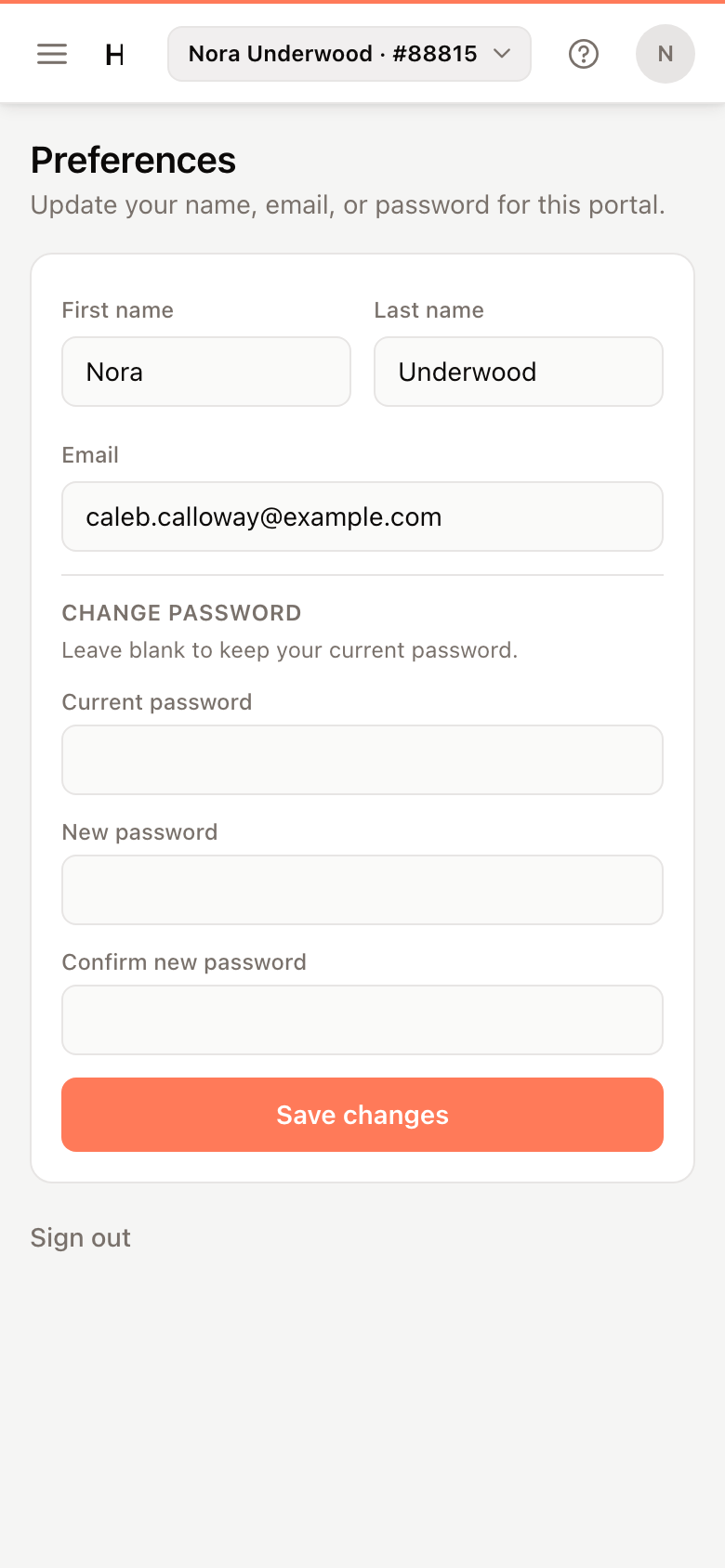
Change your name or email
- Edit First name, Last name or Email.
- Click Save changes.
The portal shows Profile updated.
Important
Email is the address you sign in with. After you change it, sign in with the new address.
Change your password
- Under Change password, enter your Current password.
- Enter a New password of at least 8 characters, and type it again in Confirm new password.
- Click Save changes.
To keep your current password, leave the three password fields blank.
Sign out
Click your initial in the top-right corner and click Sign out. There is also a Sign out link below the form on Preferences.