
If you forget your password, the portal emails you a reset code. You enter the code with a new password.
Get a reset code
- On your property manager's sign-in page, click Forgot password?.
- Enter your Email and click Send reset code.
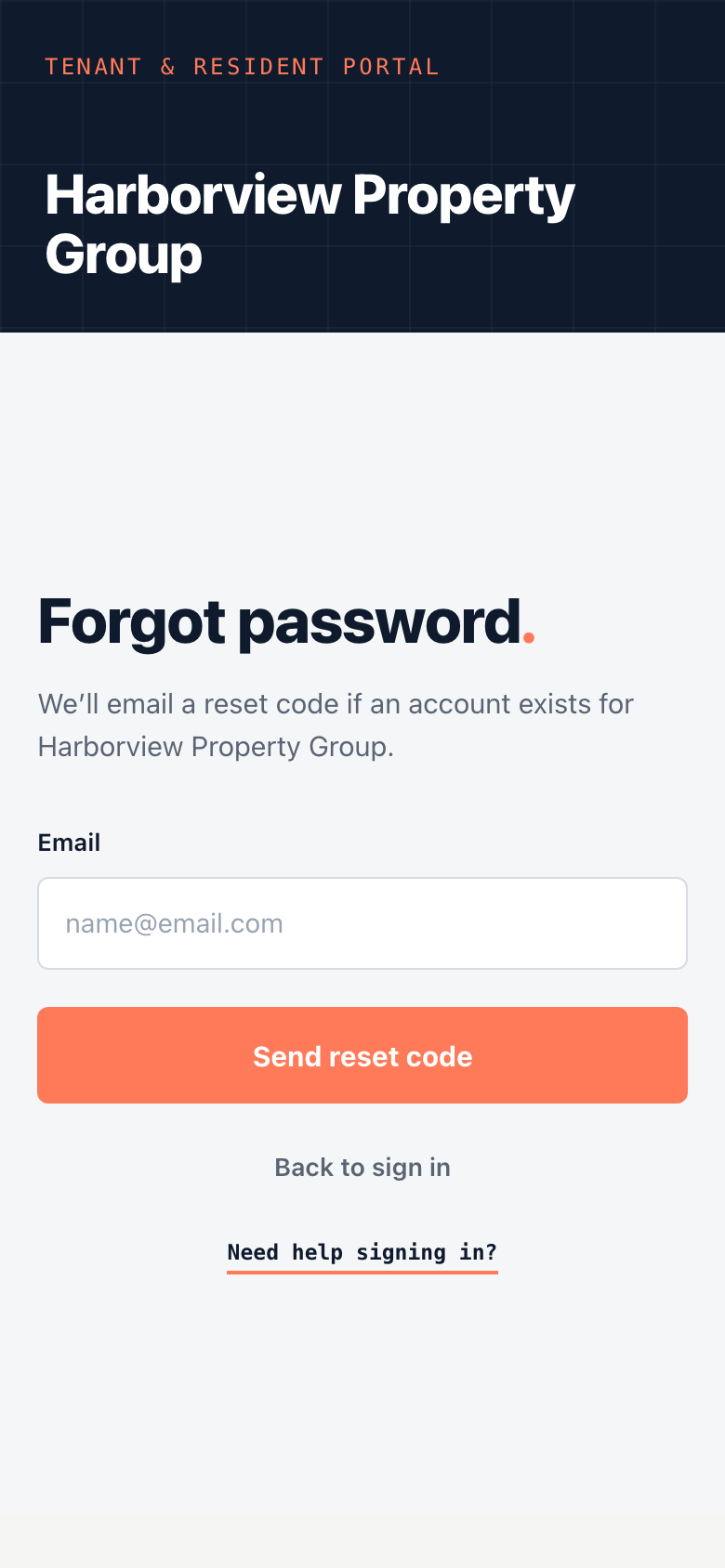
If that email has an account, a code is on its way. You can also start at tenant.unitconnect.com: click Forgot password?, enter your email and click Continue, and you'll go to your property manager's reset page.
Set a new password
- Click Enter reset code, or open the reset page from the sign-in page later.
- Check your Email, and enter the Reset code from the email.
- Enter a New password of at least 8 characters, and type it again in Confirm password.
- Click Set new password.
You go back to the sign-in page, which shows Password updated. Sign in with your new password.
Tip
No email? Check your spam or junk folder, and make sure you used the email your property manager has on file. To get another code, click Request a new code.
Already signed in and want to change your password? See Update your profile and password.