
When your property manager emails you an invoice, the link in the email opens it in your browser. You don't need to sign in to view it.
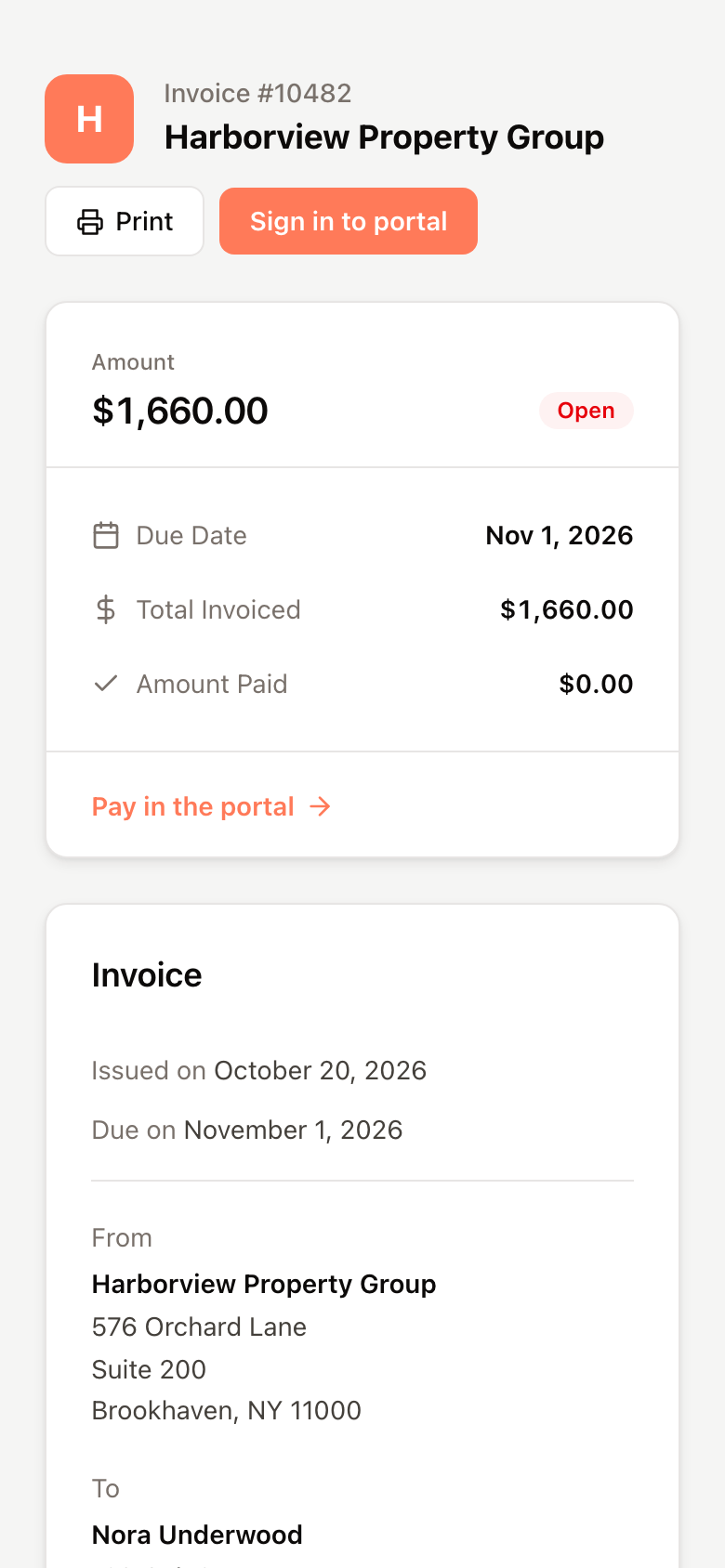
What the page shows
- Who the invoice is from and who it is to, with the issue date and due date.
- Each charge, what has been paid on it, and what remains.
- Subtotal, Paid and Total Due, and any notes.
- Attachments, if there are any. Click View to open one.
The side card repeats the amount, its status and the due date.
Print or save it
Click Print to open the invoice as a PDF. If your browser blocks pop-ups, the PDF downloads instead.
Pay it
You can't pay from this page. Click Pay in the portal or Sign in to portal, sign in, and pay from Billing. See Make a payment.
If the link doesn't work
Links expire. If the page says the link is invalid or expired, sign in to your portal and open the invoice from Billing instead. See View your invoices and balance.