
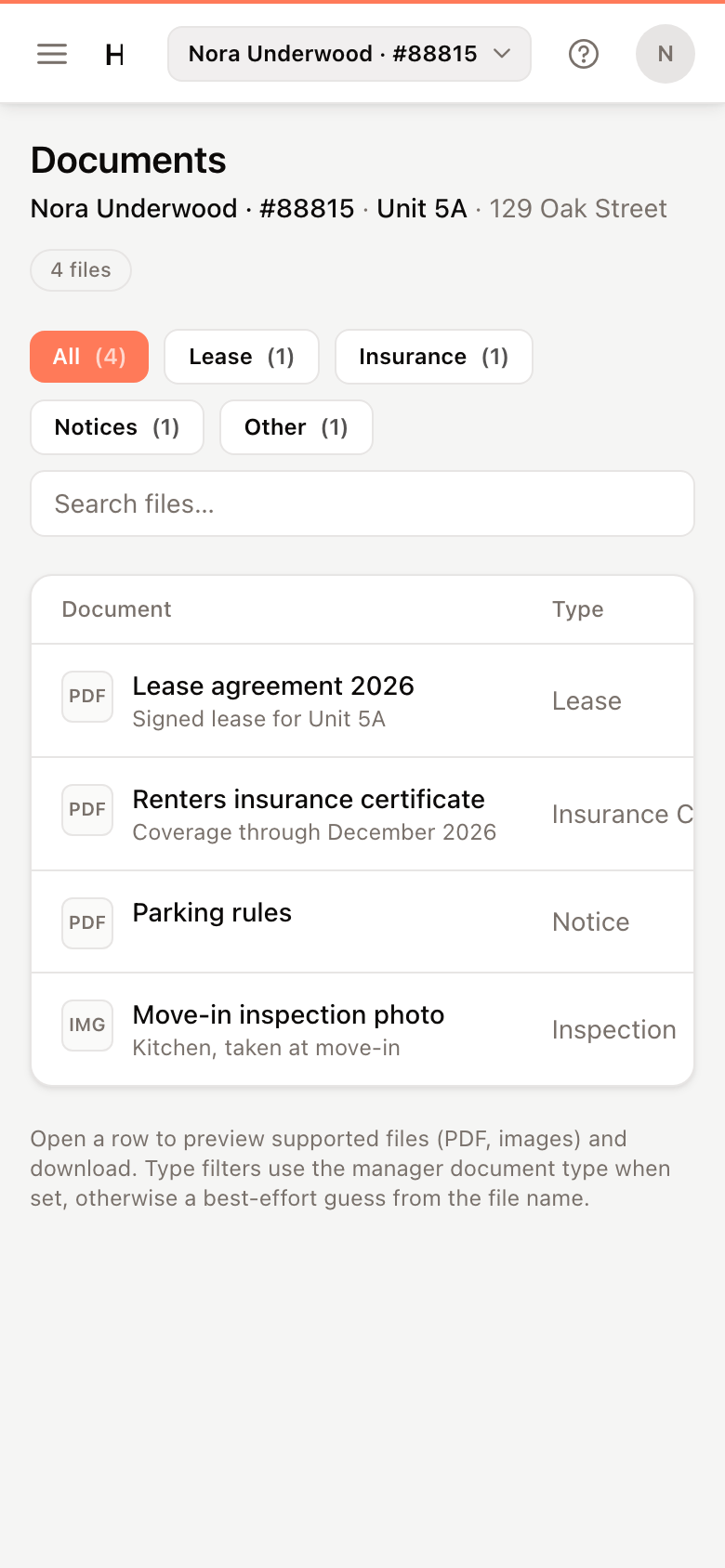
Documents holds the files your property manager shares with you, such as your lease, insurance certificates and notices.
Find a document
- Click Lease, Insurance, Notices or Other to show one kind of document, or All for everything.
- Type in the search box to find a file by name.
Each row shows the document's name and description, its type, when it was shared and its size.
Open or download a document
- Click Open on the document.
- PDFs and images show a preview. Click Download to save the file.
Other files, such as Word or Excel documents, can't be previewed. Click Download and open the file on your device.
Note
If the page says No documents yet, your property manager hasn't shared any files with you. Ask them if you need a copy of something.