
Your property manager posts building notices, such as repairs, water shut-offs and parking changes, under Announcements. The latest one also appears on your home page under From Your Manager.
Read an announcement
- Open Announcements.
- Click Open on a notice to read it.
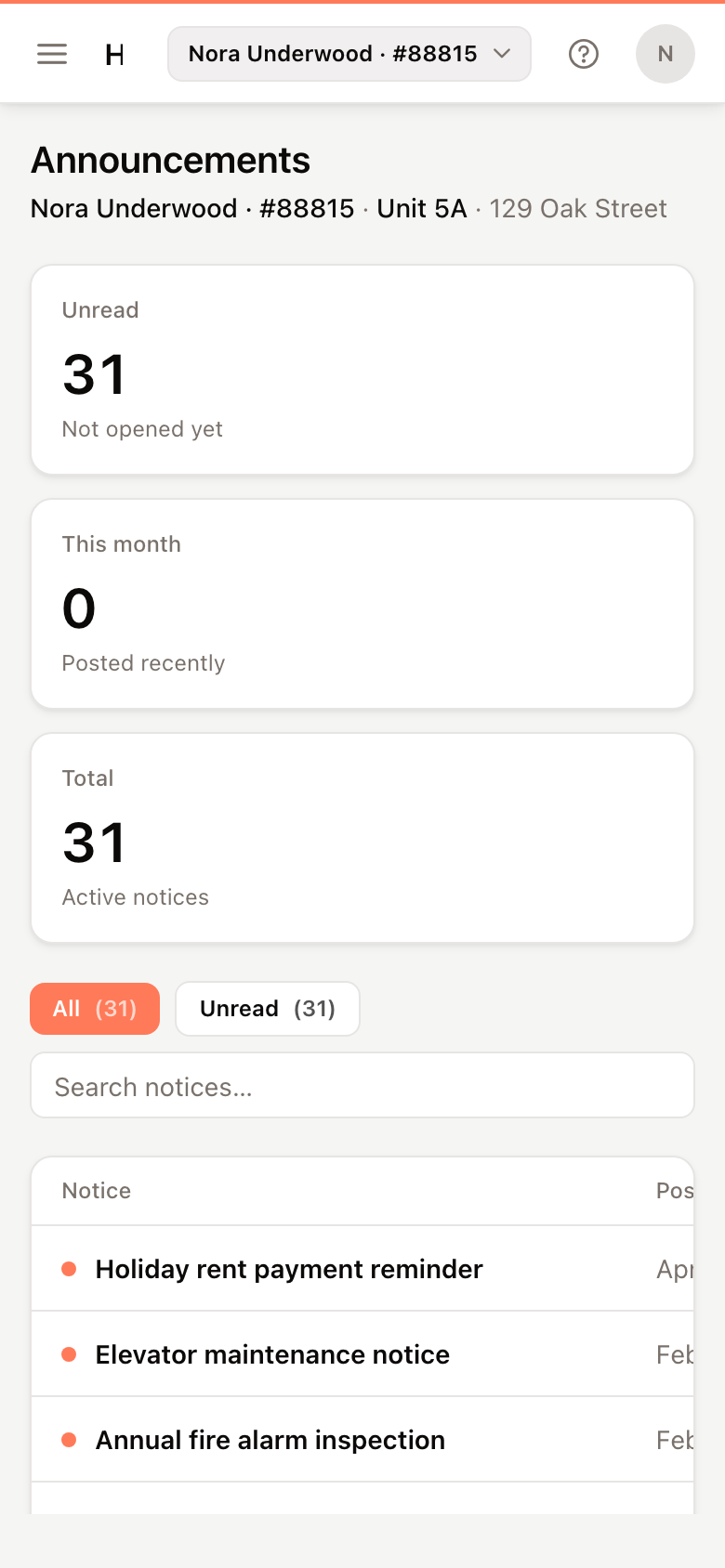
Notices you haven't opened are shown in bold, marked New. Opening one marks it read.
Find a notice
- Click Unread to see only notices you haven't opened, or All for everything.
- Type in the search box to find a notice by its title.
The cards at the top count your Unread notices, notices posted This month and the Total.