
If you rent more than one unit, or rent from more than one property manager, you can link all your accounts to one sign-in and switch between them.
Add an account
- Click your initial in the top-right corner, then click Add account.
- Choose how to prove the account is yours:
- Invite: enter the Invite code from your property manager.
- Statement: enter the Account number, Last invoice number and Last paid amount from your last statement for that account.
- Click Link account.
The new account opens straight away.
Switch accounts
Once you have more than one account, the account selector appears at the top of the page, showing the account you are looking at.
- Click the account selector. The Switch account list opens.
- Click the account you want.
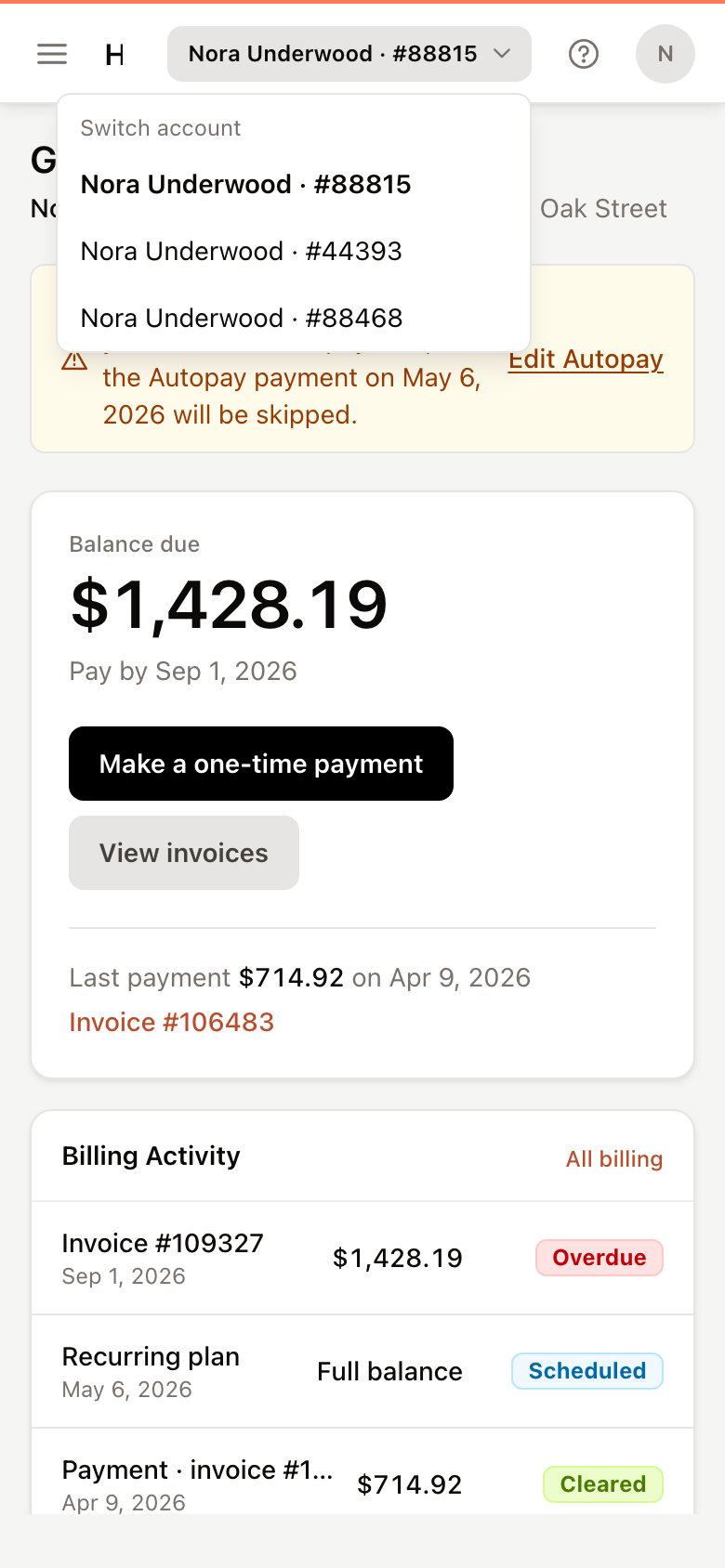
Every page then shows that account. Accounts with a different property manager are listed under that company's name. Choosing one opens that company's portal on the same page, after a short Opening account screen.