
Use Requests to report a repair or ask your property manager a question. You can follow each request and add messages until it's resolved.
For an emergency, such as a gas smell, a flood or no heat in winter, call your property manager. Their phone numbers are on the Contact page.
Submit a request
- Open Requests and click New request. You can also click New request on your home page.
- Choose a Type and a Category.
- Enter a short Subject, such as "Kitchen sink leaking".
- In Description, say what's wrong, where it is, and when you're home to let someone in.
- Click Submit request.
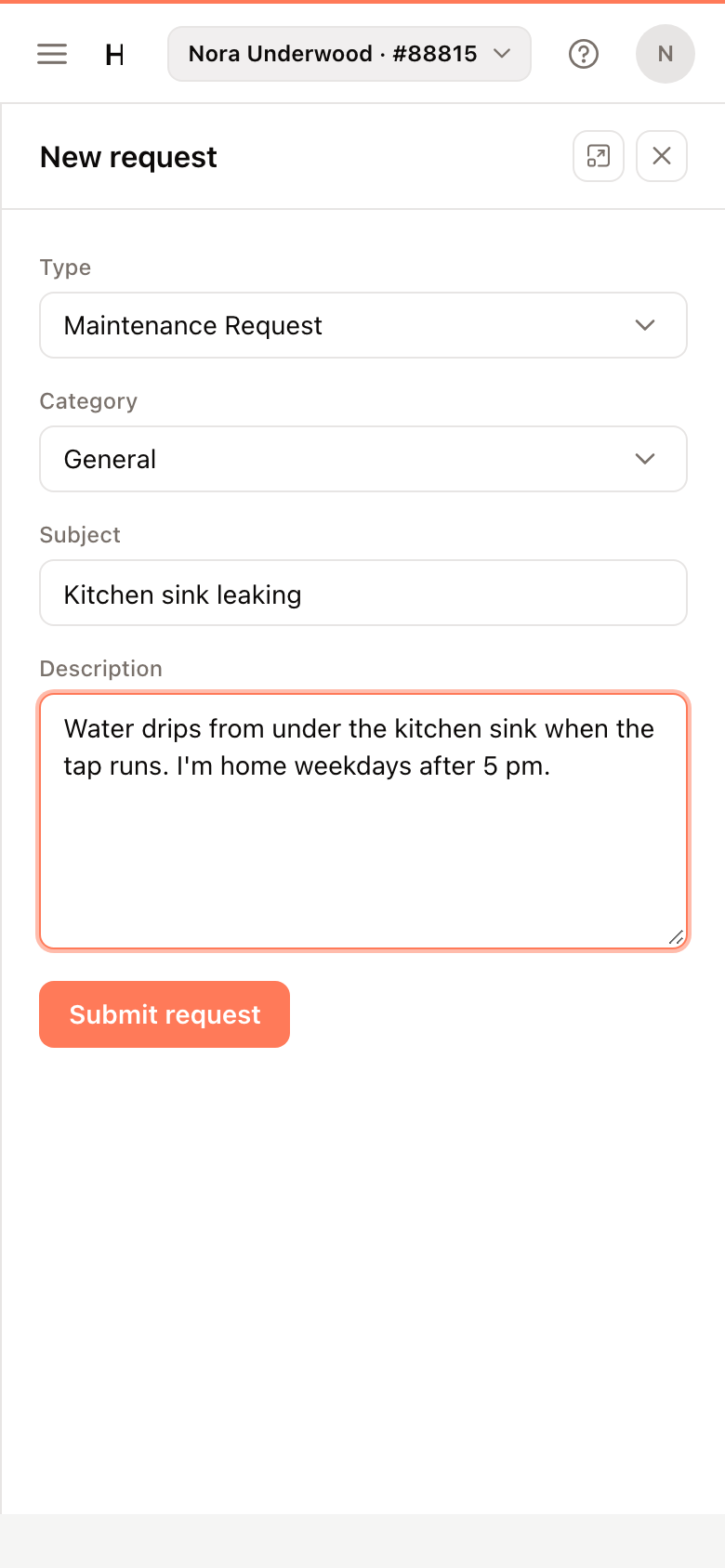
The request opens, and it is listed with the state your property manager gives it.
Follow your requests
The list opens on Open requests. Click In progress, Resolved or All to see others, or search by subject, type or category.
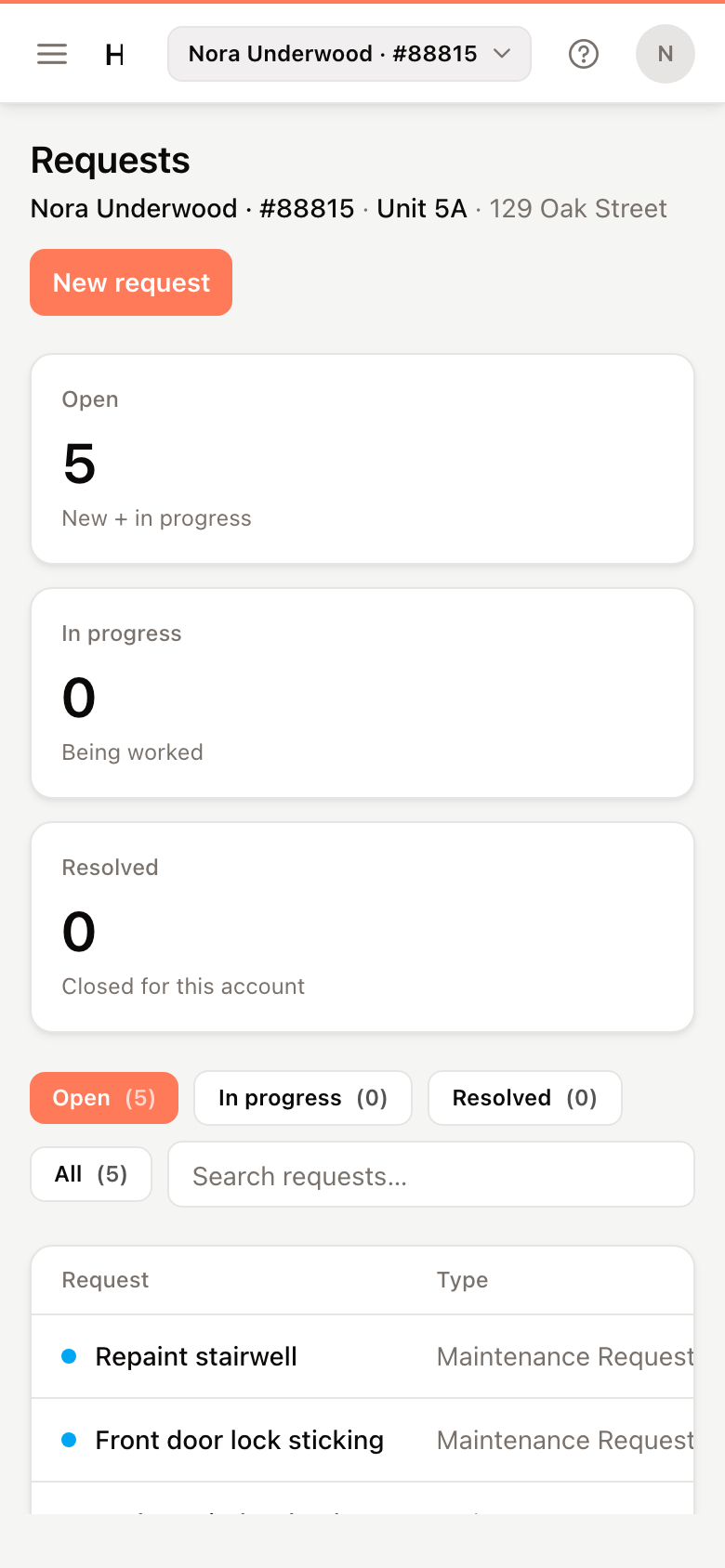
Click Open on a request to see its Timeline: each update from you and from your manager, with the date.
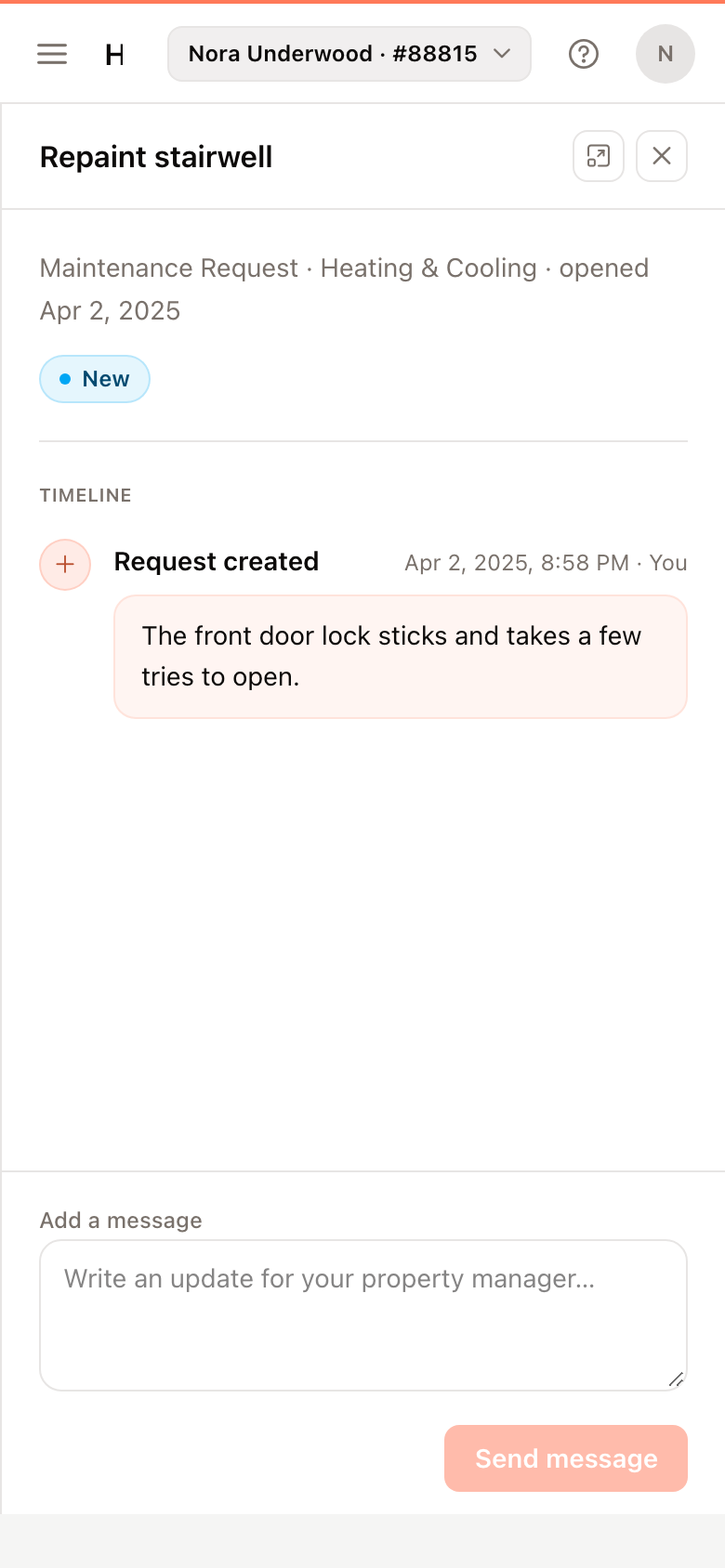
Add a message
- Open the request.
- Under Add a message, write your update.
- Click Send message.
Once a request is resolved, you can no longer add messages. If the problem comes back, submit a new request.